ZZigStream

Zigbee2MQTT → telemetry history

Give your Zigbee devices a history

ZigStream adds live visibility and historical telemetry to your existing Zigbee2MQTT setup. Follow temperature, humidity, energy, battery levels, and device activity over time — without running another database and dashboard stack.

Free tier: 250,000 messages / month · unlimited devices · no card required.

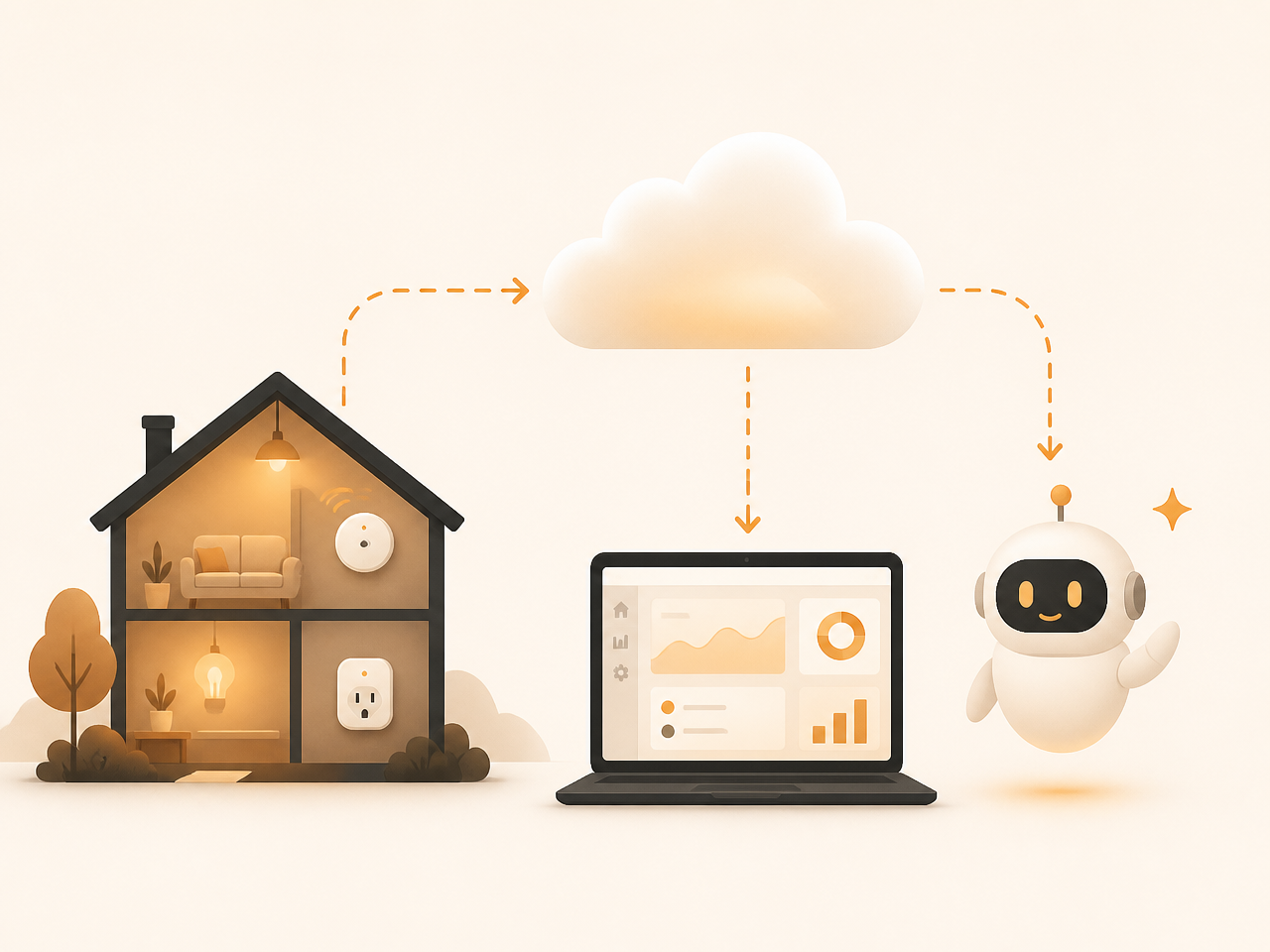
Three smart-home sensors sending telemetry through Zigbee2MQTT to a historical dashboard

A clearer view of your mesh

Telemetry is useful when it helps you decide what to do next.

From raw messages to useful context

ZigStream gives your Zigbee2MQTT installation a memory. It collects the messages your devices already send, turns them into a readable live view, and keeps the history available when a single reading is not enough.

You do not need to replace your coordinator, move your MQTT broker, or redesign your automation. A small extension forwards telemetry to ZigStream, where it is associated with the right bridge and device so you can compare current state with what happened earlier.

That makes ordinary questions easier to answer: When did this sensor start going quiet? Is the battery declining? Did the temperature change gradually or all at once? Which devices were affected when the bridge restarted?

See now

Watch incoming events and understand the current state of your devices.

Look back

Follow trends across hours, days, and device history instead of isolated readings.

Act sooner

Investigate stale devices, weak links, and low batteries before they become surprises.

One reporting layer, several useful views

Built for how Zigbee actually behaves

Start with what is happening now, look back at the history, and use the context around each device to decide what needs attention.

Mesh health

Coming soon

Monitor and maintain your mesh

Zigbee networks degrade quietly — batteries die, links weaken, devices fall off the mesh without anyone noticing. ZigStream watches the maintenance signals for you.

Link quality per device

Signal strength is tracked on every message, so you can spot weak links and place a router before devices drop.

Battery levels with warnings

See every battery at a glance and get flagged when one runs low — no more sensors dying silently.

Disappearing devices

Last-seen tracking surfaces devices that stop reporting, so a fallen-off sensor is noticed in minutes, not months.

Network health

Patio Door Contact

Weak link — move a router closer

64%

Kitchen Multisensor

Battery low — replace soon

12%

Garage Leak Sensor

Offline — last seen 3 days ago

From bridge to dashboard

How it works

Connect your existing Zigbee2MQTT installation, start sending telemetry, and use the dashboard to see both current events and the history behind them.

1

Install the extension

Drop one file into Zigbee2MQTT's extension folder and add your API key to configuration.yaml. No changes to your MQTT broker.

2

Data streams to the cloud

Telemetry is batched locally and pushed securely every few seconds — encrypted in transit, isolated per account.

3

Watch it live, then look back

Ready to explore

See events land in Live view immediately, and every device's history building up in the dashboard behind it.

Simple plans, clear limits

Plans

Start with the tools you need to see Zigbee2MQTT telemetry clearly. Additional plans will follow as higher-volume and multi-site use cases become available.

Current plan

Free

$0/ month
  • 250,000 messages / month
  • Unlimited devices
  • MCP endpoint included
  • Live view & historical trends

Pro

Soon
  • Higher monthly message volume
  • Priority ingest rate
  • Longer history retention
  • Email alerts (in progress)

Planned for higher-volume, multi-site, and team use cases.

Advanced

Soon
  • For multi-site / higher-volume setups
  • Team seats
  • Priority support
  • Everything in Pro

Planned for higher-volume, multi-site, and team use cases.

Start sending telemetry

Quick install

Connect an existing Zigbee2MQTT installation in a few minutes. Your broker, coordinator, and automations stay where they are.

configuration.yaml

YAML
advanced:
  enable_external_js: true

http_forwarder:
  endpoint: "https://www.zigstream.app/ingest"
  token: "mk_live_xxxxxxxxxxxxxxxx"

Replace the example token with the API key generated in your dashboard, then restart Zigbee2MQTT.